A team can have six subscriptions and a coherent workflow. Another can have one large platform and still spend Friday reconciling conflicting records. The number of tools tells you little about where the work breaks.
Before replacing your stack, follow one customer from sale to delivery to payment. Mark every place someone retypes information, asks which record is correct, or waits for another team to notice a change. Those crossings are a better starting point than a list of software bills.
Decide which system owns each fact
Consider a services firm that likes its CRM and accounting software but manually turns won deals into delivery projects. The CRM can own the sale, the delivery tool can own project progress, and accounting can own invoices. A shared customer or project identifier connects the records.
The trouble starts when each tool independently owns the same fact. If three teams can change the contracted amount, adding synchronization may only spread the disagreement faster. Decide where that amount is approved and where the other tools should read it.
Put the handoff on one row
Use a small inventory like this illustrative example:
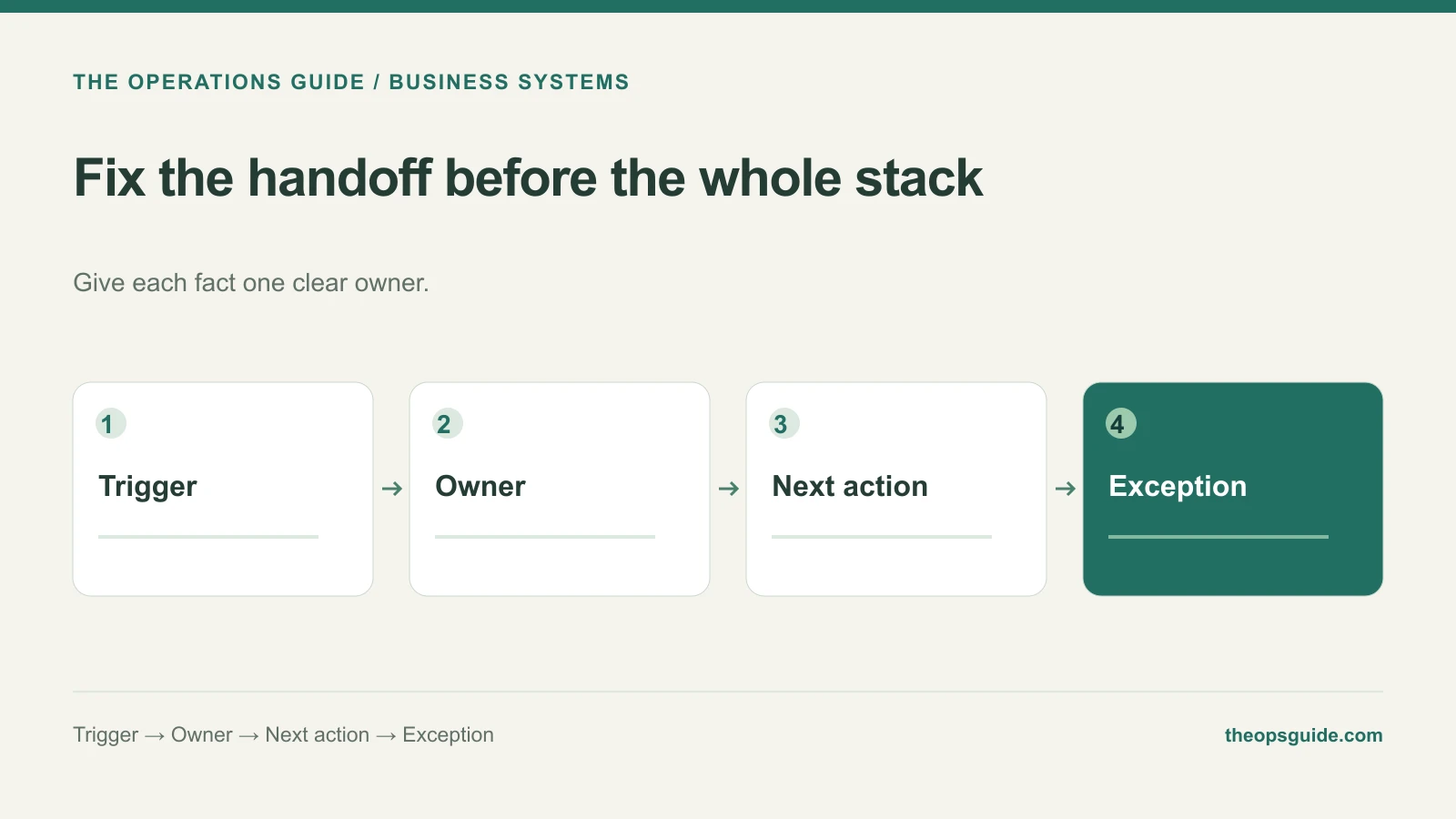
| Event | Authoritative record | Next action | Exception owner |
|---|---|---|---|
| Deal signed | CRM deal ID and approved scope | Create one delivery project | Operations manager |
| Project ready for billing | Delivery milestone | Create an invoice draft | Finance owner |
| Customer details change | Agreed customer record | Update connected copies | Account owner |
For each row, ask what happens if the action completes only halfway. If a project exists but the CRM never receives its link, can the team recover without creating another project? The answer belongs in the integration scope.
Compare the work each option creates
Keeping connected tools preserves capabilities people already use. It also creates responsibility for changed fields, expired connections, failed runs, and records that disagree.
Consolidation can remove some of those boundaries. But test the replacement against actual work before counting the savings. If the new system lacks the approval rule your delivery team needs, that rule may reappear in a spreadsheet beside the supposedly unified platform.
Compare both options over the same scope: migration, configuration, retraining, ongoing support, and the manual work that remains. Include a sample task performed by the people who will use the result.
Replace one weak boundary first
A gradual change is often easier to judge than replacing everything at once. Move one workflow, reconcile its open records, and establish a clear point after which the old workflow stops accepting edits. Microsoft's Strangler Fig pattern describes the broader principle of incremental replacement; a small business can use the principle without adopting the full architecture.
If your tools fit the work and a few handoffs cause the pain, repair those handoffs first. If the same workaround appears across most of the process, consolidation deserves a closer look.
The Ops Guide helps design and build business systems, starting with the work your team needs to complete.