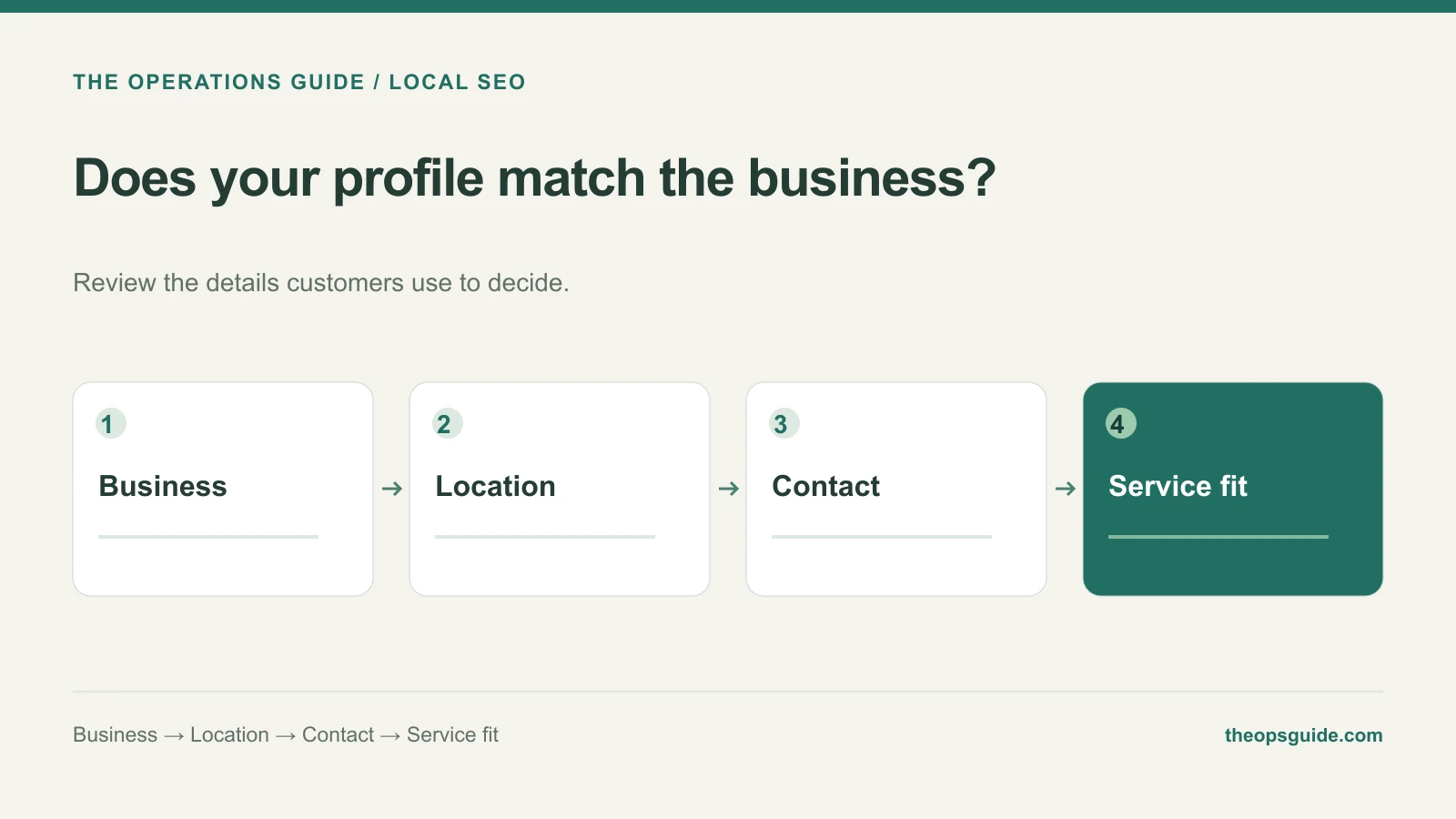
A customer finds your Business Profile, follows the website link, and lands on a homepage with no clear route to the service they searched for. The profile may look complete while the inquiry path still needs work.
Audit an existing profile against what a customer can actually do and what your team can deliver.
Check the identity and category
Compare the profile name with the name your business uses in the real world. Check whether the primary category describes the business’s main activity. Adding cities or promotional phrases to the name is not a substitute for accurate information.
Google’s business representation guidelines explain eligibility, naming, categories, and address rules. Start there if the profile’s setup does not match how the business operates.
Make the location match the customer experience
A service business that travels to customers should not invite them to a residential address that does not receive visitors. Check whether the profile should operate as a storefront, service-area business, or hybrid.
Review the areas where you actually accept work. Google’s service-area guidance explains how to manage them. Adding a larger territory does not guarantee visibility throughout it.
If your business operates entirely online, do not invent a location to obtain a profile. Our local versus traditional SEO guide helps separate those channel decisions.
Follow every important contact path
Use a phone as a customer would. Tap the phone number, website link, and booking option that the profile presents. Verify the destination using the same options a customer sees.
For an illustrative repair business, these checks might look like this:
| Profile promise | What the customer should find |
|---|---|
| Emergency repair | A clear route to the team handling urgent requests |
| A stated service area | Matching coverage information on the landing page |
| Appointment booking | The correct service and available appointment process |
| Business hours | Customer-facing hours match actual availability |
A mismatch gives you a specific correction to make. More posts or photos won’t repair a booking link that points at the wrong service.
Assign someone to communicate operational changes
The profile owner needs to hear when hours, contact numbers, availability, or services change. Give the relevant operations contact a simple way to request an update.
Use photos and reviews that reflect real work and real customer experiences. Google describes local results in terms of relevance, distance, and prominence; no editing routine can promise a particular ranking.
Review the inquiries that result
When the team can identify an inquiry from the profile, record whether it fits the service and coverage. Calls about unavailable work may reveal a confusing profile or landing page.
That turns the audit into a practical improvement list: correct the category, clarify coverage, repair the destination, or update the hours. The Ops Guide can help with the website and SEO work behind that path.