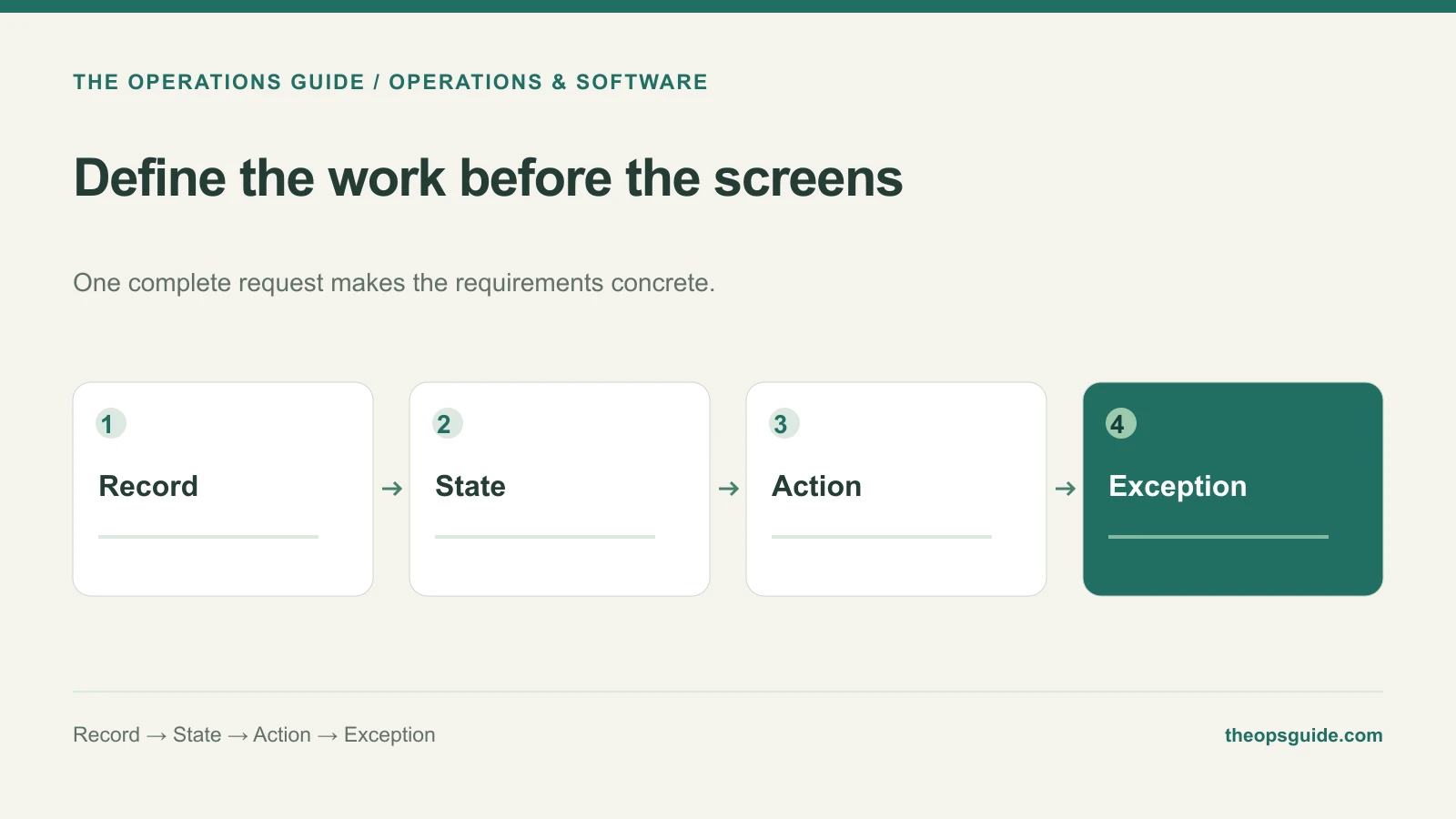
“We need a dashboard for equipment requests” leaves a builder with a lot of decisions to invent. Who submits the request? What happens when stock is unavailable? Can someone change an approved item?
Before discussing screens, describe one request from creation to completion. The screens become easier to define once the work is clear.
Name the record the team will act on
For an equipment request, the main record might contain a request ID, requester, item, quantity, needed-by date, status, approver, and fulfillment details.
Give each field a reason to exist. If no decision, action, or required record depends on a field, consider leaving it out of the first version. Conversely, a needed-by date matters if the team must prioritize requests; hiding it in a free-text note makes that harder.
Describe actions instead of unrestricted editing
An illustrative first brief could include this table:
| Current state | Allowed action | Who can do it | Result |
|---|---|---|---|
| Draft | Submit | Requester | Request enters the approval queue |
| Submitted | Approve or return | Assigned approver | Decision and reason are recorded |
| Approved | Reserve equipment | Equipment coordinator | Reserved items attach to the request |
| Reserved | Confirm delivery | Equipment coordinator | Delivery details complete the record |
This tells the builder more than “add a status dropdown.” It also makes omissions easier to spot. For example, the team must decide how cancellation works after equipment has been reserved.
Write the exception that currently causes trouble
Choose one recurring problem and describe the intended response. If an item is unavailable, should the coordinator suggest a substitute, split the request, or return it to the requester?
Make that choice with the people doing the work. A developer can implement a rule; they should not have to invent your equipment policy from a screen sketch.
Include what happens when a request changes after approval. Preserving the approved version may matter more than allowing convenient edits everywhere.
Mark the boundaries with existing systems
If a directory already owns employee information, identify the fields the app should read from it. If purchasing happens elsewhere, define the handoff and the reference that links the two records.
Also name the place where staff will make each type of change. Letting both the old sheet and the new app edit the same request indefinitely creates reconciliation work before the new tool has proved useful.
Finish the brief with a demonstration
Ask the builder to show an ordinary request, an unavailable item, a changed request, and an unauthorized action. Specify the expected final record for each.
The brief is ready for an estimate when the builder can explain what they will build, which decisions remain open, and how both parties will recognize completion.
If you’re still deciding whether the current spreadsheet needs replacing, start with the spreadsheet-to-app decision guide. Once the workflow is justified, The Ops Guide can help turn it into an internal tool.