If your CRM can reliably remind the deal owner about an overdue task, moving that reminder into another automation platform may add a connection to maintain without improving the work.
A different process might need to turn a signed deal into a delivery project, connect the billing customer, and request kickoff details. That is where a separate orchestration tool can become useful if the existing apps cannot coordinate the work well enough.
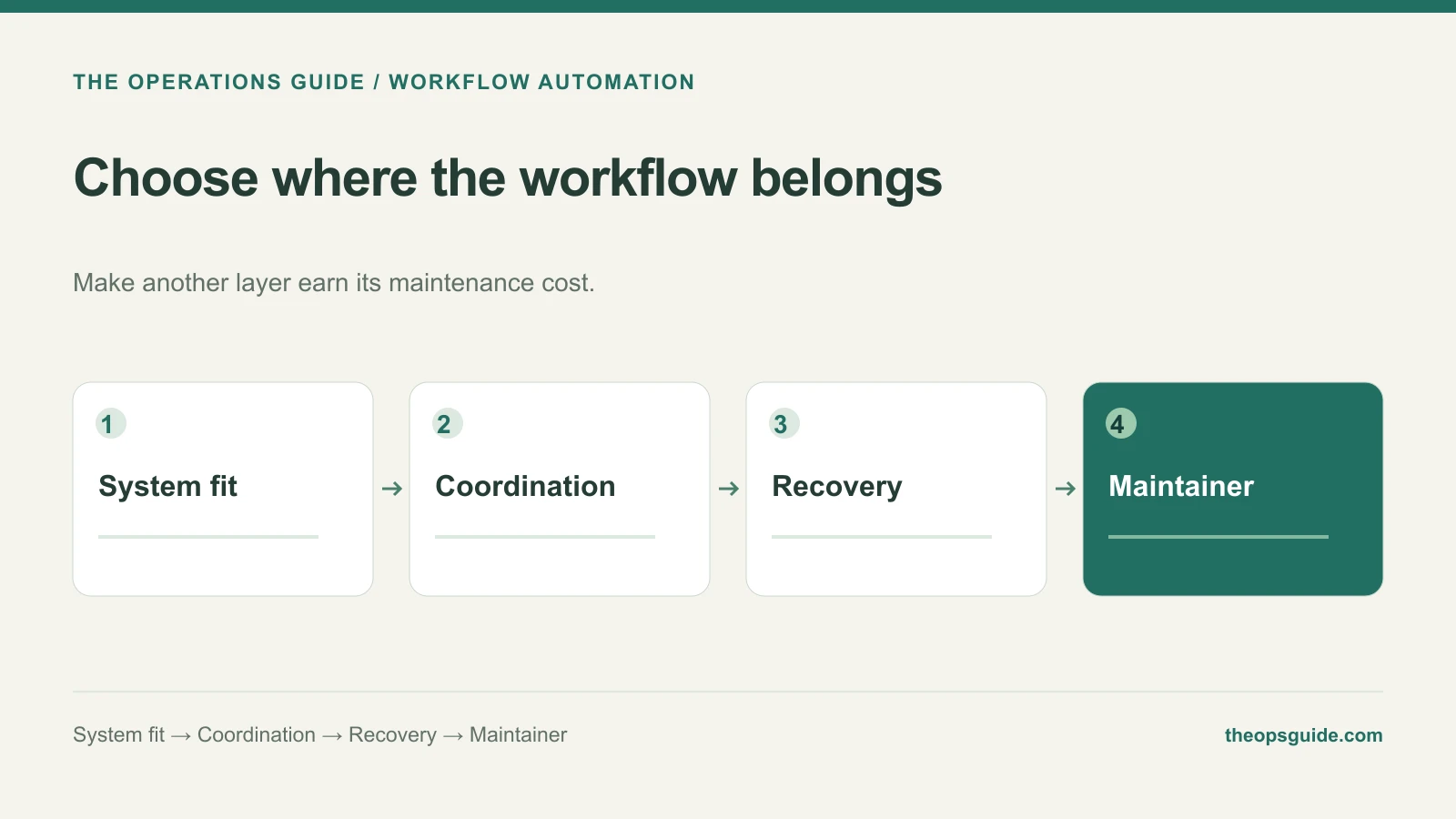
Start inside the app that owns the work
Check the native automation against the actual requirement. Can it express the condition, take the required action, show failures, and give the right person access to maintain it?
Do not assume every built-in automation is limited to one app. Capabilities vary by product and plan. A native feature that completes the process with clear ownership deserves consideration before adding another layer.
Add orchestration for a specific gap
A tool such as n8n gives you a place to coordinate steps across systems. Its HTTP Request node supports calls to APIs, including authentication and pagination options. That helps when a ready-made integration does not expose the operation you need.
Access to an API does not settle the workflow's business rules. You still need to define which record is authoritative, how identifiers match, and what happens after a partially completed run.
| Question | Native automation may fit when… | Consider orchestration when… |
|---|---|---|
| Where does the work live? | One app owns the relevant record and action | Several systems must coordinate |
| What transformations are needed? | Existing fields and rules express the job | Data needs substantial reshaping or enrichment |
| How is failure handled? | The app exposes enough history and recovery | You need explicit handling across multiple steps |
| Who maintains it? | The app administrator can support it | A named person can maintain connections and workflow logic |
Use the table to frame a trial, not as a universal product comparison. Test the features available in your actual account.
Compare the failure path
For the signed-deal example, create the project successfully, then simulate a failure before the billing link is saved. Can the operator locate the existing project and complete the remaining work without duplicating it?
n8n provides error workflows for failed executions, but recovery behavior still requires design and configuration. Dragging nodes onto a canvas does not automatically make a process safe to replay.
Let the maintainer break the tie
Include credentials, execution history, runtime responsibility, and documentation in the comparison. A more capable tool can be the worse choice if nobody can maintain the workflow after its creator leaves.
Choose the simplest option that can complete the ordinary case and recover from the important exceptions. Expand only when a demonstrated limitation makes the additional layer worthwhile.
The Ops Guide helps design and implement workflow automation, including deciding where the work should run and who will own it afterward.