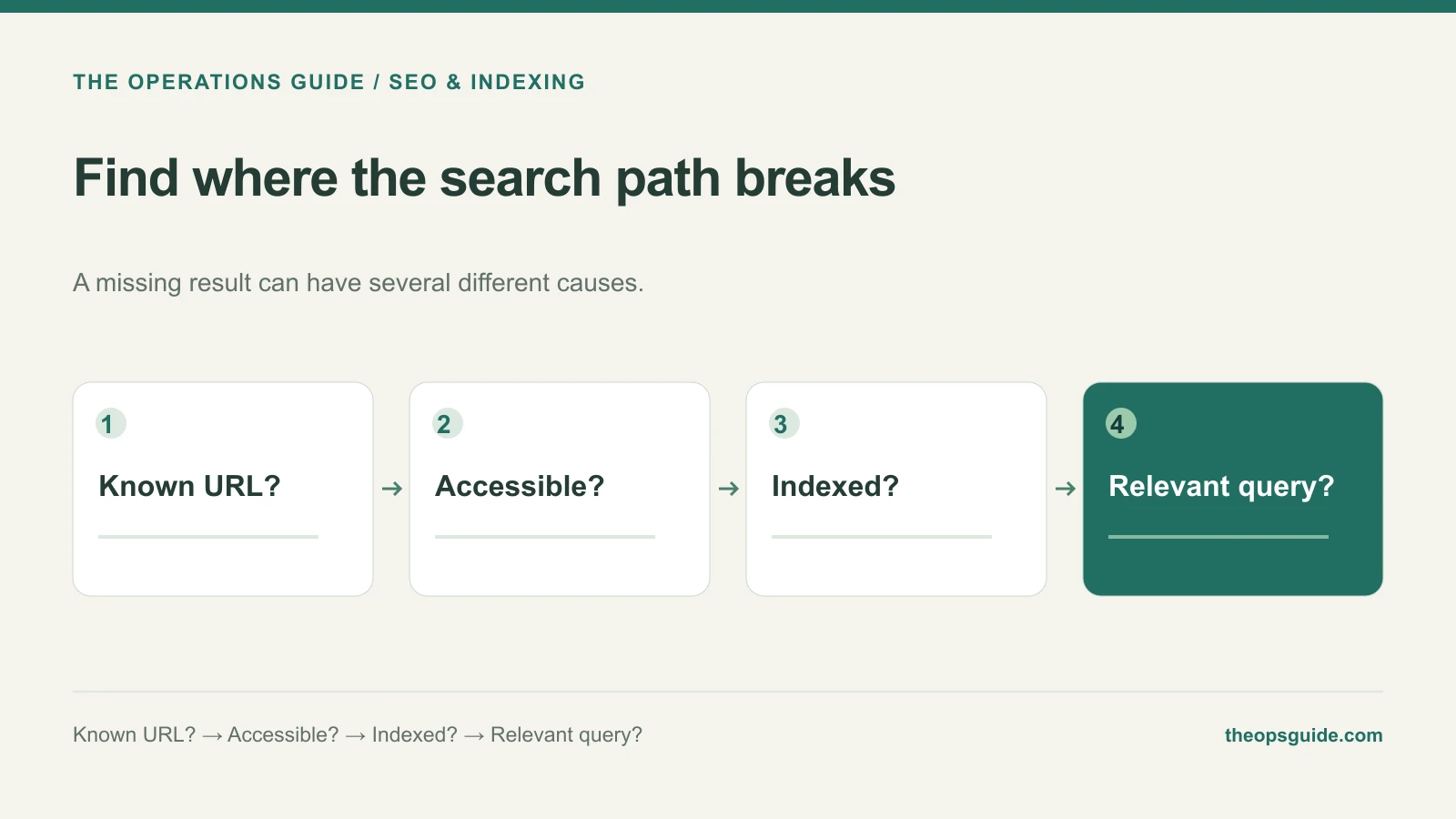
“Our website isn’t on Google” can describe several problems. Google may not know a new page exists. It may be unable to access it. Or the page may already be indexed but absent for the phrase you searched.
Those situations call for different work. Start with the exact URL that matters, such as the service page you want customers to find.
Inspect the page in Search Console
Use URL Inspection for that address. Read the indexed result before running a live test. Google’s URL Inspection documentation distinguishes information about the indexed version from a test of the page’s current accessibility and eligibility.
A successful live test does not establish that Google has indexed the page. It helps you check whether a current technical obstacle remains.
Follow the branch that matches the result
| Finding | Next useful action |
|---|---|
| Google does not know the URL | Check public internal links and sitemap inclusion |
| Google cannot fetch the page | Investigate the reported access or server problem |
| An indexing restriction applies | Confirm whether it was intentional and correct it if needed |
| Google selected another canonical | Compare the two pages and their intended roles |
| Crawled or discovered, currently not indexed | Review the reported state and the page’s purpose; don’t assume a broken site |
| URL is indexed | Investigate query relevance and visibility instead of discovery |
Keep the finding attached to the URL. The homepage’s status does not establish the status of every service page.
Check access without changing everything at once
Open the page while signed out. Confirm that it loads the expected content rather than a login screen, error, or homepage fallback.
If Search Console reports a block, identify the mechanism. A robots.txt rule controls crawling; a noindex directive controls indexing when the crawler can read it. Removing the whole robots file is a poor response to one misunderstood setting.
Use our technical SEO checklist when the report points to a page or template defect that needs a reproducible test.
Give discovery a clear path
Publish the article at a public URL, link to it from a relevant page, and include it in your sitemap. These give Google ways to discover it; sitemap inclusion is not a requirement for indexing. A private editor preview does not establish that the article is public.
For an important new or corrected page, you can request indexing through Search Console. Google says repeated requests do not make crawling faster. A request also does not guarantee inclusion.
Change the question when the page is already indexed
Review which queries and pages receive impressions, whether those queries match the service, and what the page actually explains. An indexed page with weak visibility for a broad phrase has a different problem from a page Google cannot load.
For a hypothetical specialist repair company, a general “services” page may give little detail about the repair people need. Improving that explanation could be the appropriate work; resubmitting its sitemap would not address the same issue.
The Ops Guide can help diagnose the specific obstacle and turn it into a practical repair or content plan.