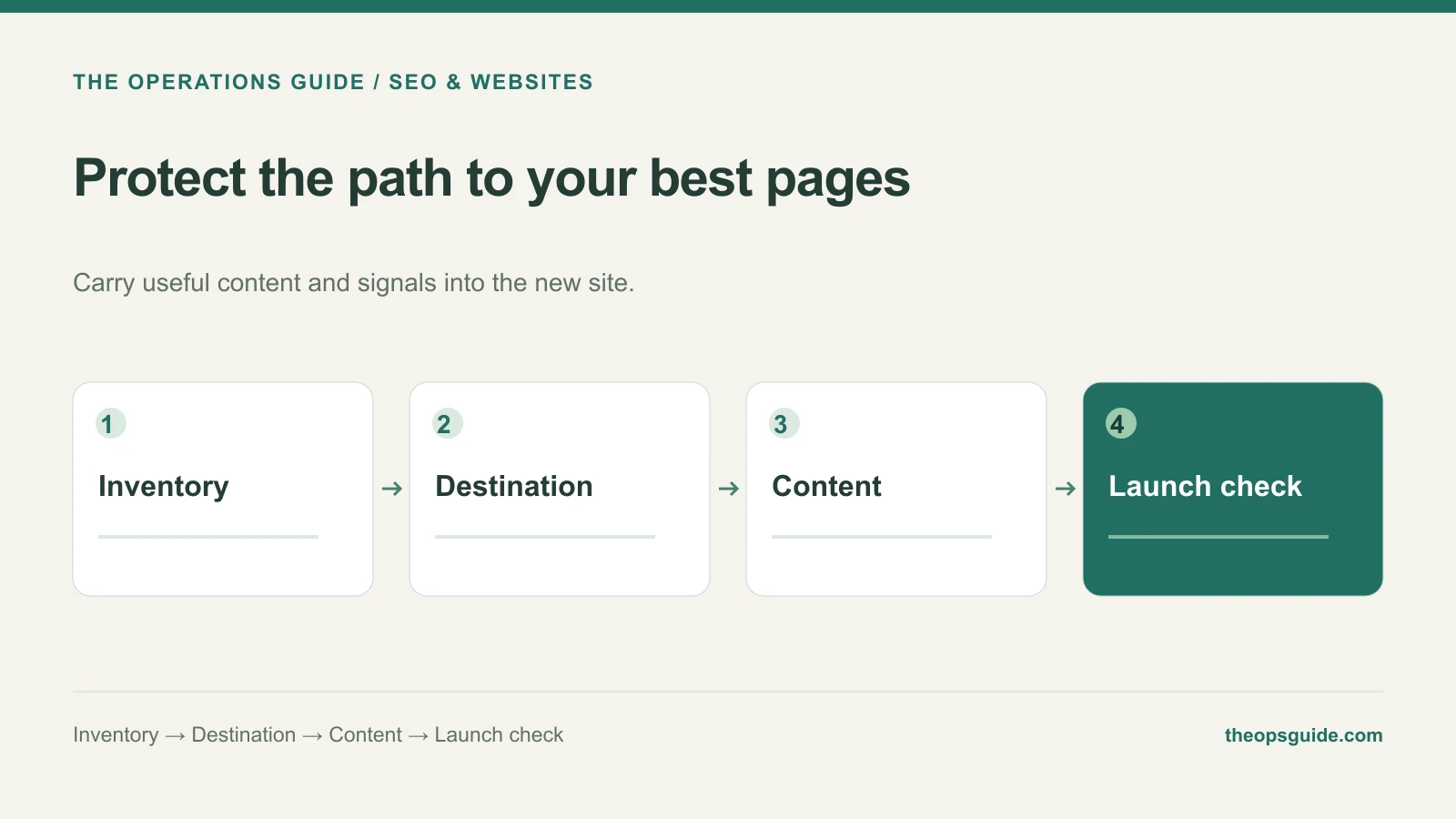
A redesign can improve the appearance of a website while quietly removing the page that explains your most valuable service. The old address still appears in search results, saved bookmarks, and someone else’s article. Visitors need a sensible destination when they follow it.
Build a preservation list before the team replaces navigation or deletes pages.
Start with the existing site
Include pages that bring useful inquiries, receive search clicks, have external links, or answer questions customers ask before buying. Compare that list with the proposed site structure.
Give each important URL a deliberate outcome. This illustrative table is enough to start the conversation:
| Existing URL | Decision | Destination |
|---|---|---|
/services/boiler-repair |
Keep | Same URL, improved design |
/boiler-fixes |
Move | The relevant boiler-repair page |
/winter-repair-guide |
Update | Same guide, current information |
/retired-offer |
Retire | No unrelated replacement |
The destination should serve the visitor’s original need. Redirecting every removed page to the homepage makes the technical work look tidy while leaving people searching again.
Google’s site-move guidance covers URL mapping, relevant permanent redirects, and consistent internal links and canonicals. Keep redirects generally for at least a year when moving URLs; treat that as part of the release scope.
Preserve the information, not every old sentence
For each priority service page, compare the current and proposed versions. Can a buyer still understand the work you perform, who it fits, coverage or availability limits, and how to inquire?
The new design can improve the wording. It should not replace useful detail with a short slogan simply because the template has less room.
Assign someone who understands the service to approve that comparison. Visual approval alone won’t catch a missing scope detail.
Test the path from the old link to an inquiry
Before launch approval, check these behaviors for the priority URLs:
- An old address that moved reaches the intended replacement directly.
- The replacement has the correct main content, preferred URL, and working internal links.
- Launch-time indexing restrictions have been removed where appropriate.
- The sitemap lists the intended live addresses.
- The inquiry or booking action reaches the correct team.
Also test a genuinely invalid URL. A homepage returned for every missing address can hide a broken migration from a casual visual check.
Keep an owner after launch
Record the release date and the pages that changed. Have someone check the important destinations and inquiry paths after deployment, then review search and lead data as it becomes available.
Some search fluctuation can accompany a move. Investigate an unexpected loss against the changed pages and actual technical behavior before assigning a cause.
If you need a broader diagnostic for the live site, use our technical SEO checklist. The Ops Guide’s SEO work can help connect the redesign plan to the changes and checks required to launch it.