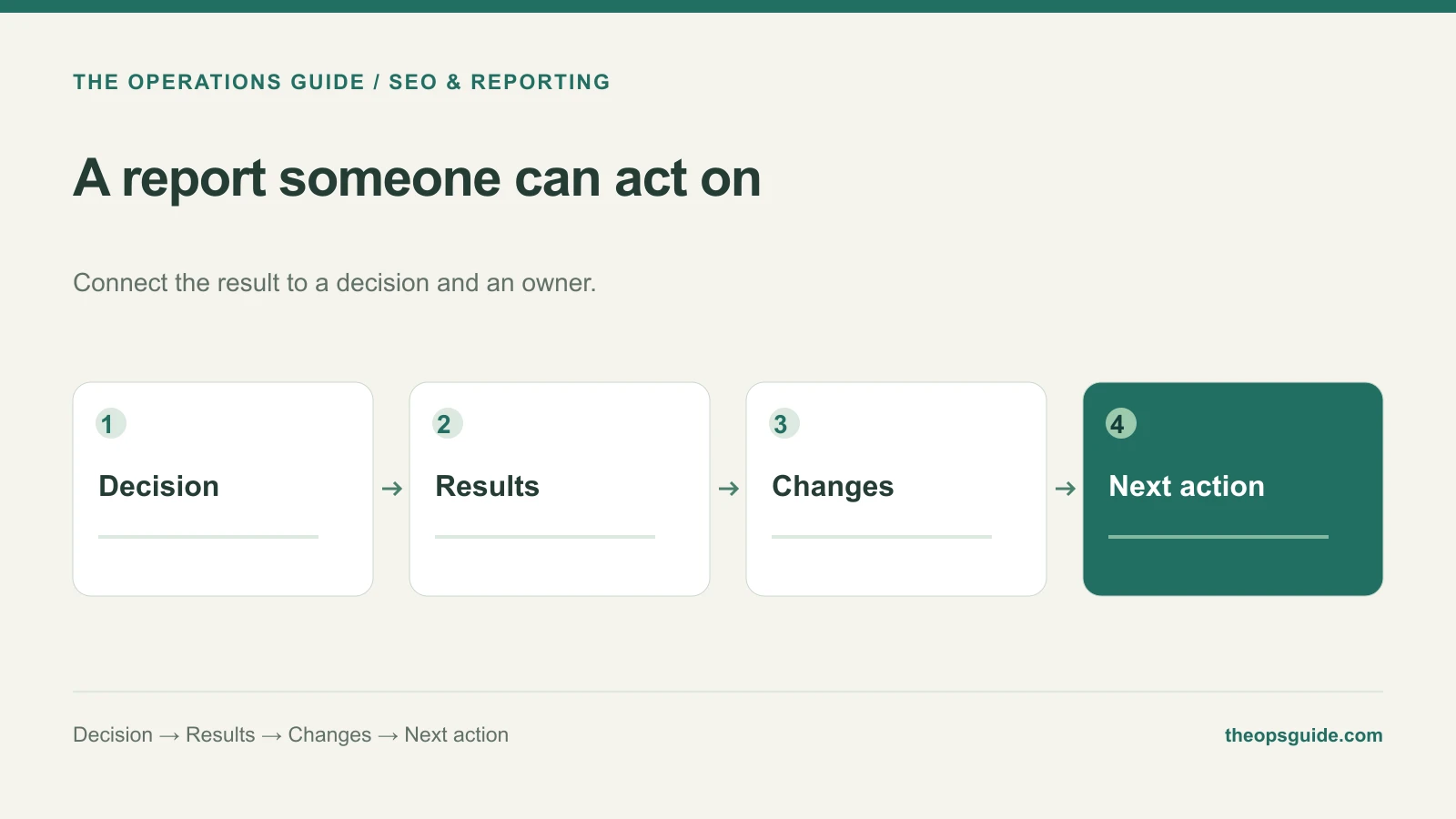
A report can include accurate rankings, traffic charts, and a long activity list while leaving the business owner unsure what to do next.
Build the report around the decision it needs to support. That might be continuing a content series, fixing a weak inquiry path, or changing which service receives attention.
Copy this five-part report
1. Decision needed
State the choice in one sentence. Name the person who needs to make it and when the answer is needed. If no decision is required, say what the team will continue and why.
2. Results for the period
Show qualified inquiries alongside the search and page information needed to understand them. Name the date range and comparison period. Keep definitions consistent and identify missing attribution.
Search Console reports search clicks, impressions, click-through rate, and average position. Its performance documentation explains those measures. They are useful context, but they do not replace the business’s record of actual inquiries and opportunities.
3. Changes that shipped
List the specific pages or systems changed, the purpose of each change, and its completion date. Put proposed work in a separate section so the reader doesn’t mistake a recommendation for something already live.
4. What the result suggests
Separate an observation from an explanation you still need to investigate. “The repair page received more relevant queries” is different from “our headline edit caused the improvement.” Include an uncertainty when it changes the next action.
5. Next action
Name the action, owner, due date, and observation that will determine whether it helped. Keep the list short enough for the team to complete before the next report.
An example without a wall of charts
This hypothetical repair-business update uses invented figures to show all five parts:
Decision needed: The owner should approve clearer coverage information beside the repair inquiry form by October 3.
Results for the period: September brought 240 Google Search clicks to the repair page, compared with 220 in August. Separately, the repair form received 18 inquiries from all sources: 10 qualified and eight outside the service area. August had 16 inquiries: 11 qualified and five outside the area.
Changes that shipped: The service explanation and corrected booking link went live September 9.
What the result suggests: More clicks accompanied fewer qualified inquiries. Coverage confusion is worth addressing; these counts do not establish that organic search caused the unsuitable inquiries.
Next action: The content owner will add coverage details by October 6. Operations will record inquiry source and qualification reason through October, then compare qualified inquiries and the share outside the service area at the November review.
The update connects a customer problem with a specific change. Add a chart if it helps the reader judge the decision; leave it out if it only repeats a number already explained.
Don’t combine incompatible counts into a funnel
Search Console clicks, analytics sessions, and CRM inquiries come from different systems with different definitions. Present them with their labels rather than implying that each number describes the same tracked group of people.
Our guide to measuring SEO leads covers those definitions. Use the report to discuss what they mean for the next piece of work.
If your reports keep producing more recommendations than your team can implement, talk with The Ops Guide about turning the backlog into completed changes.